Monthly spending trends
See how your spending changes over time
Last 6 months ▾
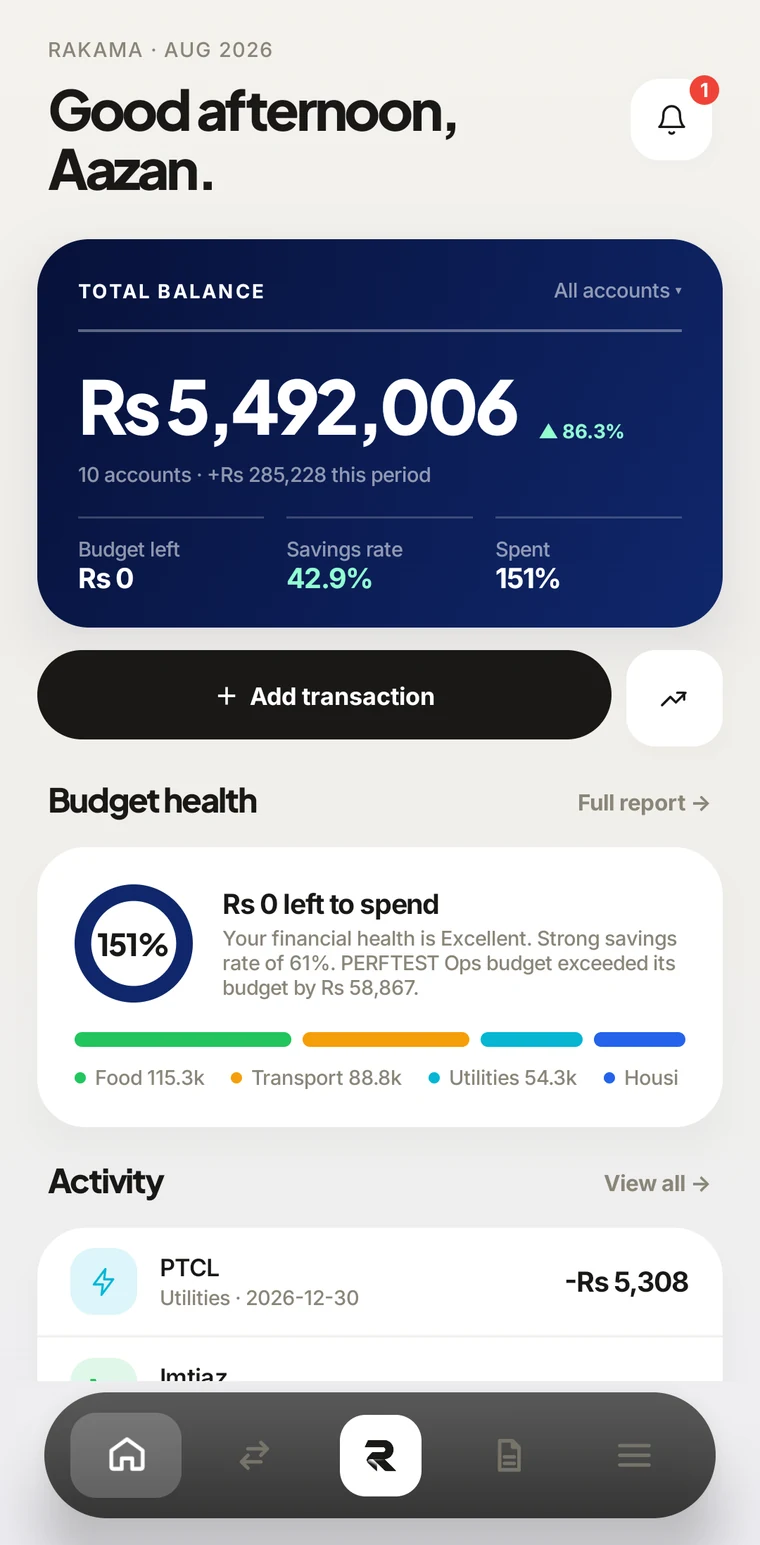
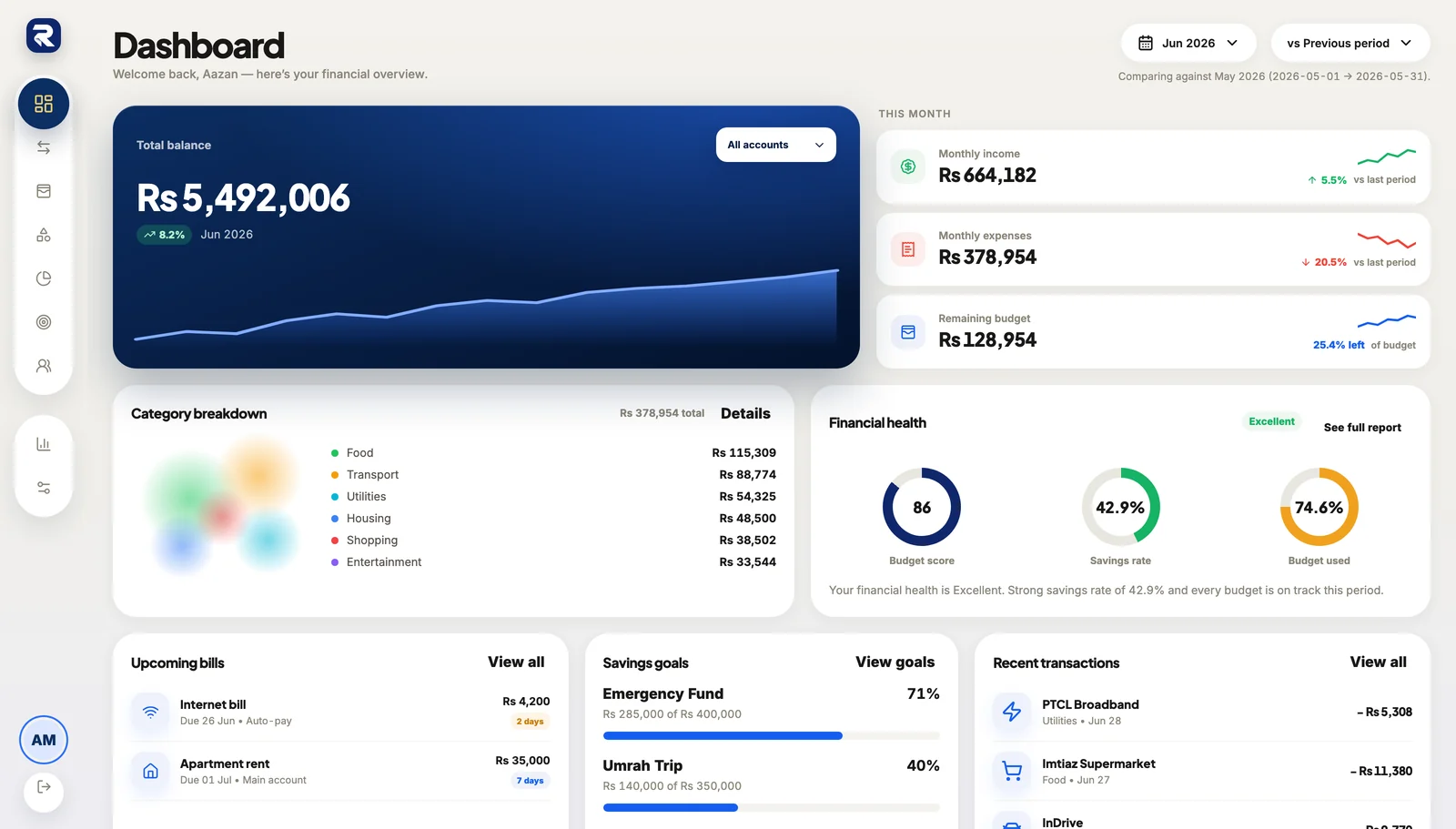
Track spending in rupees, set budgets and savings goals, and see what is left to spend in one dashboard. Type, say or snap an expense and Rakama's AI drafts it for you to check.
In your pocket
Type chai 150, send a voice note or snap a receipt. Rakama's AI turns it into an entry with the amount, category and account filled in, then waits for you to check it. Ask it how your budget is doing and it answers from your own numbers.
Not yet. You've spent Rs 18,400 of your Rs 25,000 Food budget this month, so Rs 6,600 is left.
From your own entriesExamples. Nothing is saved until you press Save.
“chai 150” or “petrol 3000 kal” becomes a draft with the amount, category, account and date. English and Roman Urdu both work.
Record a voice note after a day out. Several things in one note become separate drafts, and anything it didn't hear clearly is flagged.
The photo is read on your device and only the text is sent. The shop, total and date come back as a draft, with the receipt kept on the entry.
“How much did I spend on transport this month?” “Which bills are due?” Answers come from your own accounts, budgets and entries.
Ask for last month's spending report and Rakama builds it. You open it, print it or download it as CSV or PDF.
Connect an assistant that supports MCP connectors and ask it what you spent, or have it prepare entries for you.
Smart insights
A calm, visual summary of your spending—so changes are easy to spot and your next decision feels clear.
Pricing
Paid plans are a preview and are not available to buy yet.
Rakama is free while in early access. The plans above show where pricing is heading and are not yet available to buy.
Everything important, answered in a way that feels fast, honest, and easy to scan.
Rakama uses HTTPS for data in transit, secure sessions and optional two-factor authentication. You can export your data or request account deletion in Settings.
Rakama is PKR-first, so amounts display as Rs by default with Pakistani date and number formats. You can still change currency, date, and number formats whenever you want.
Rakama is free during early access. The plans above show where pricing is heading and are not yet available to buy.
Rakama is available on the web. We’ll share mobile availability here when it is ready.
Absolutely. Import from CSV or Excel, preview everything before saving, and let Rakama detect local date formats and organise your history much faster.
Yes, if you want it to be. Turn on Rakama's AI and you can type, say or snap an expense and get a draft to check, or ask how your budget is doing. It is off until you agree, it never saves anything without you, and it is free with a daily allowance.