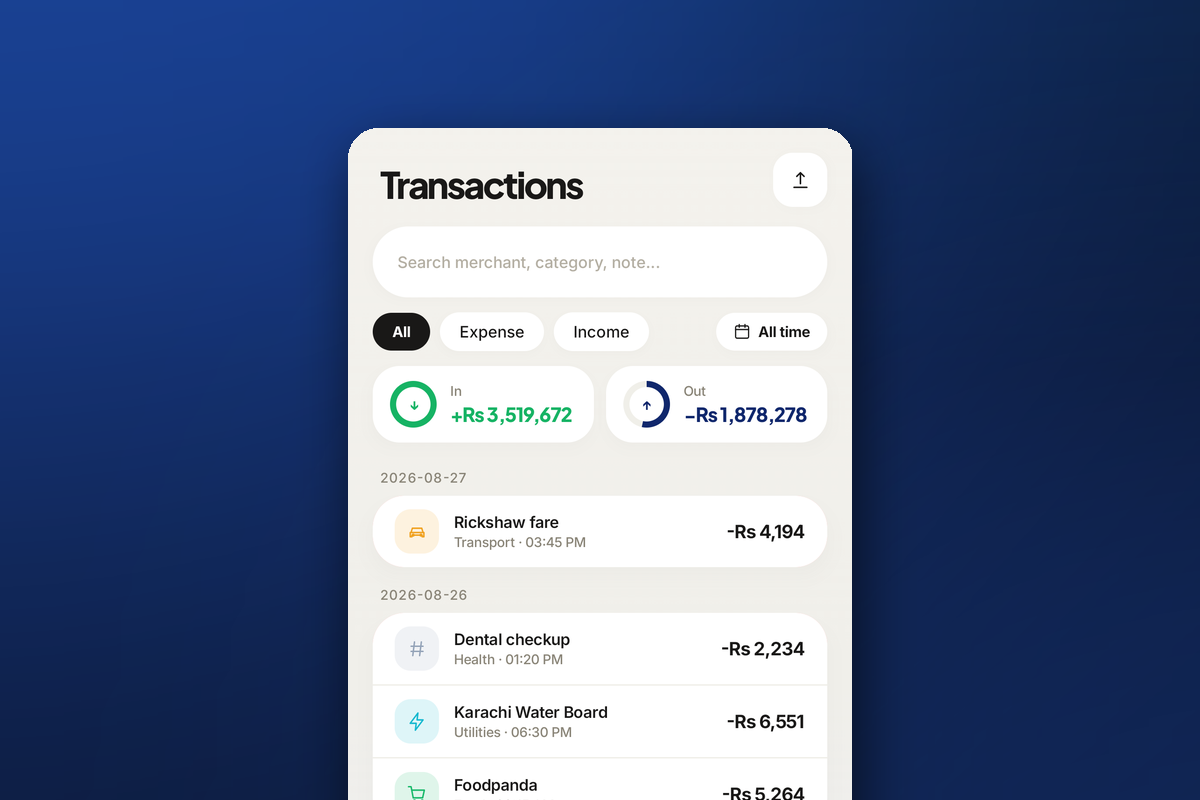
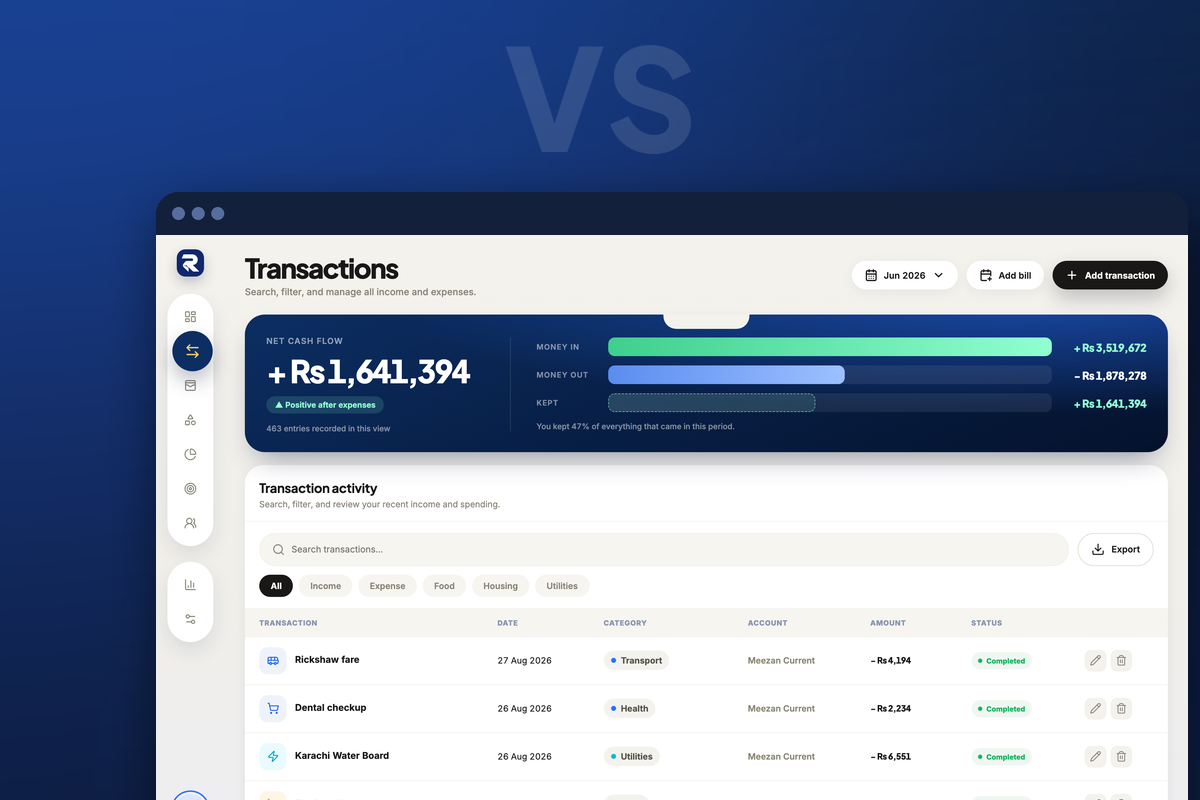
Excel is flexible and familiar. It can be a useful way to create a budget, especially if you enjoy building your own templates. But a spreadsheet also requires manual data entry, formulas, formatting, and maintenance.
Rakama vs Excel at a glance
| Feature | Rakama | Excel |
|---|---|---|
| Expense tracking | Purpose-built | Usually manual |
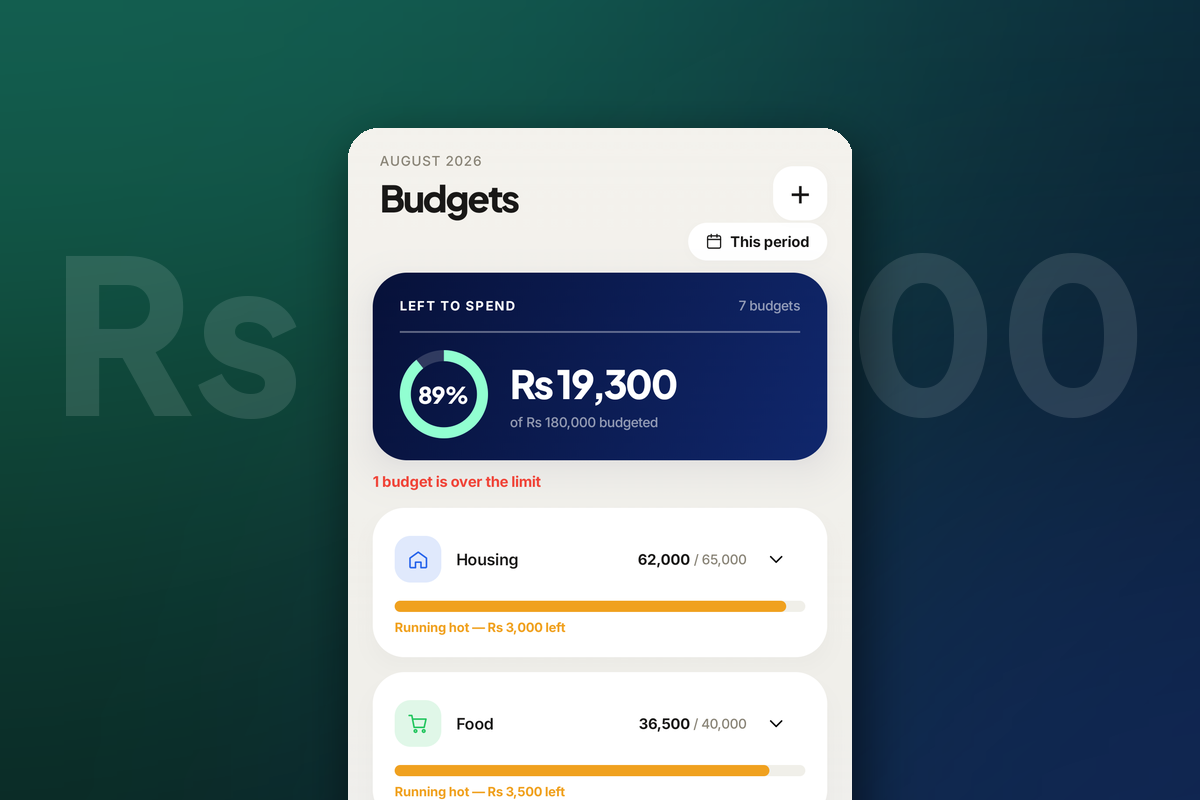
| Budget progress | Visual and built in | Requires formulas |
| Spending analytics | Included | Must be built |
| Savings goals | Included | Requires a custom sheet |
| Custom modelling | Limited | Effectively unlimited |
| Works on your phone | Native apps | Awkward on mobile |
When Excel may be better
Excel is a strong choice if you enjoy building financial models, need highly customized formulas, or already have a system you maintain consistently. It is also the better tool for one-off analysis that does not need to survive past this week.
When Rakama may be better
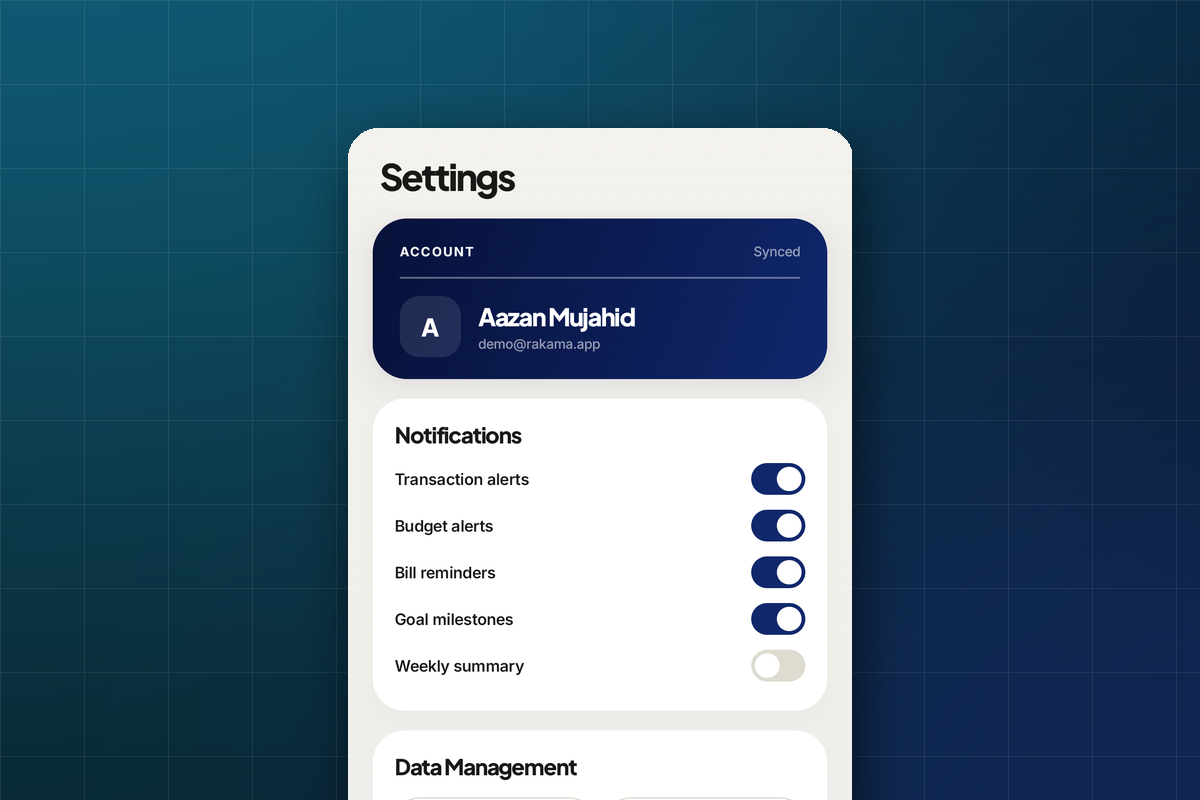
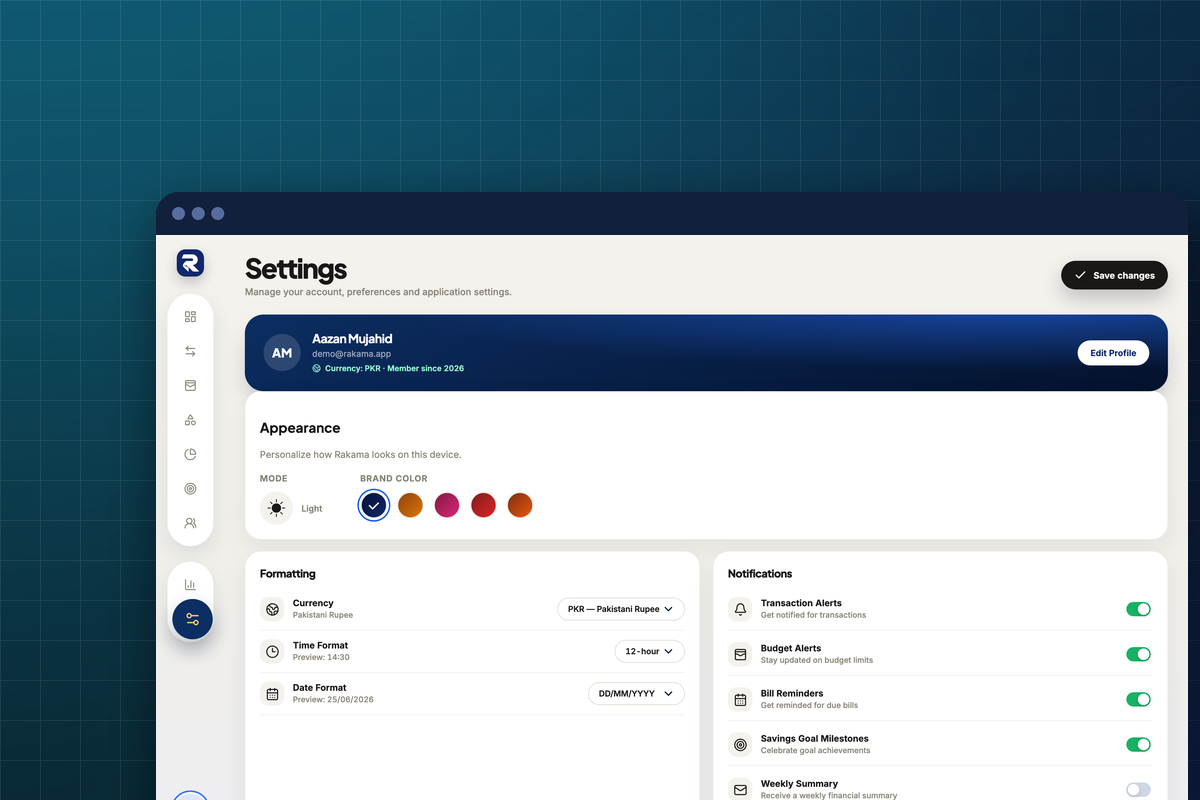
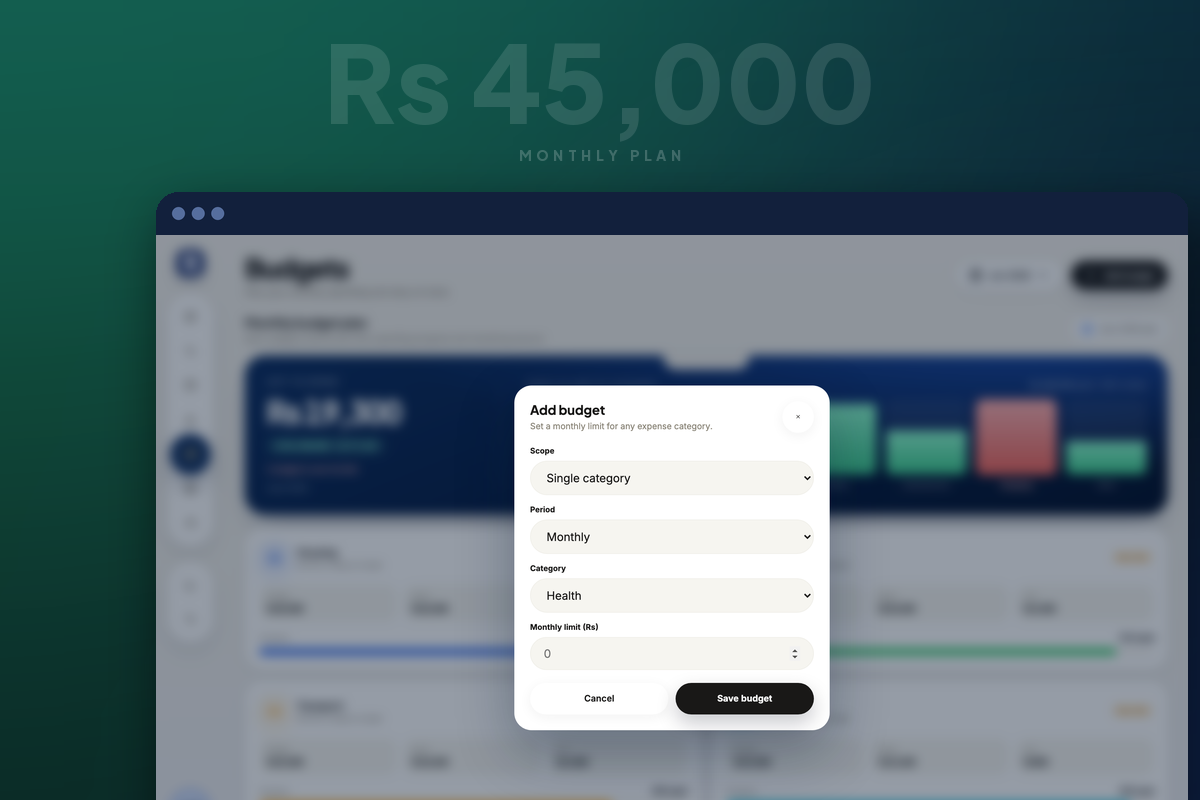
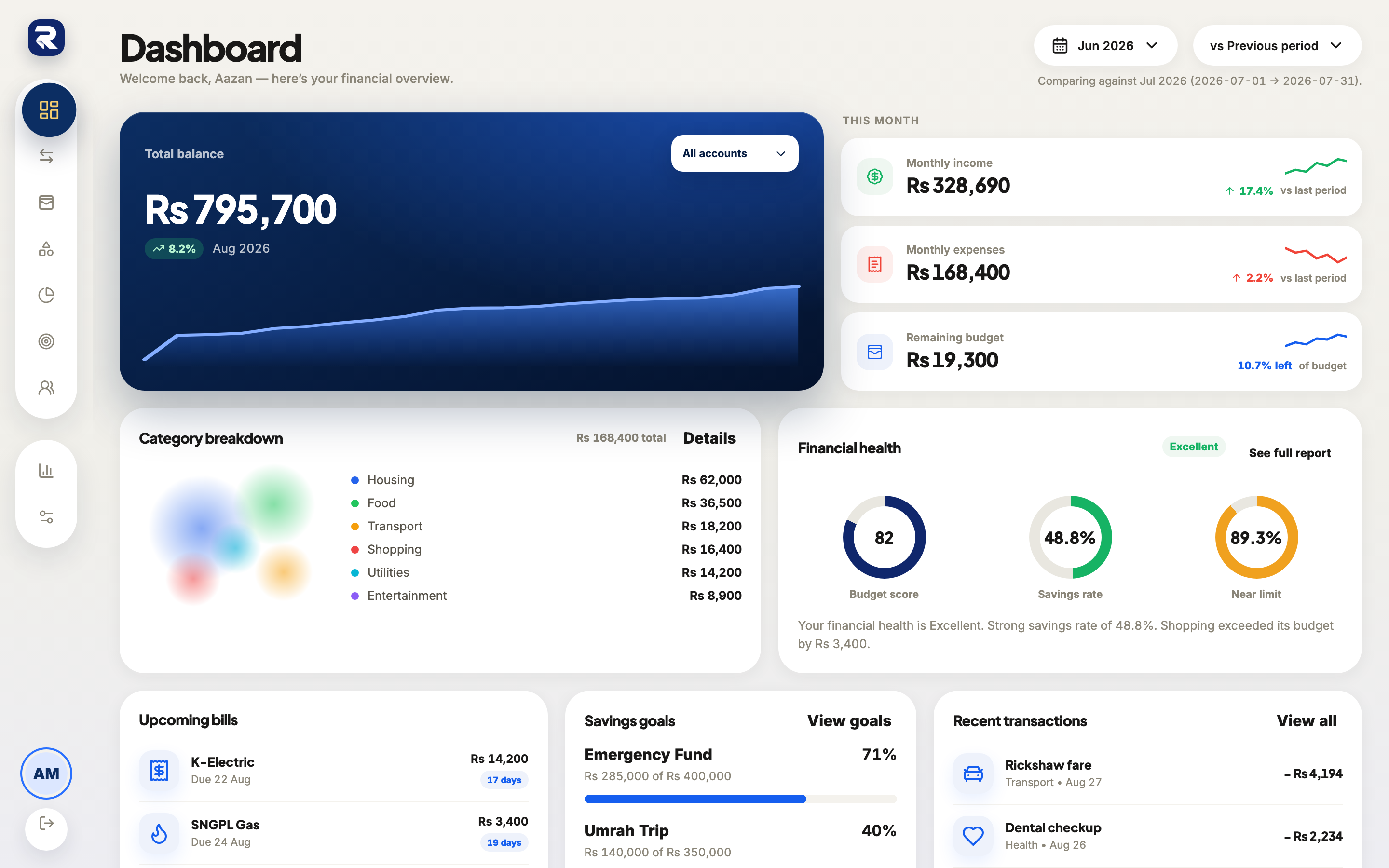
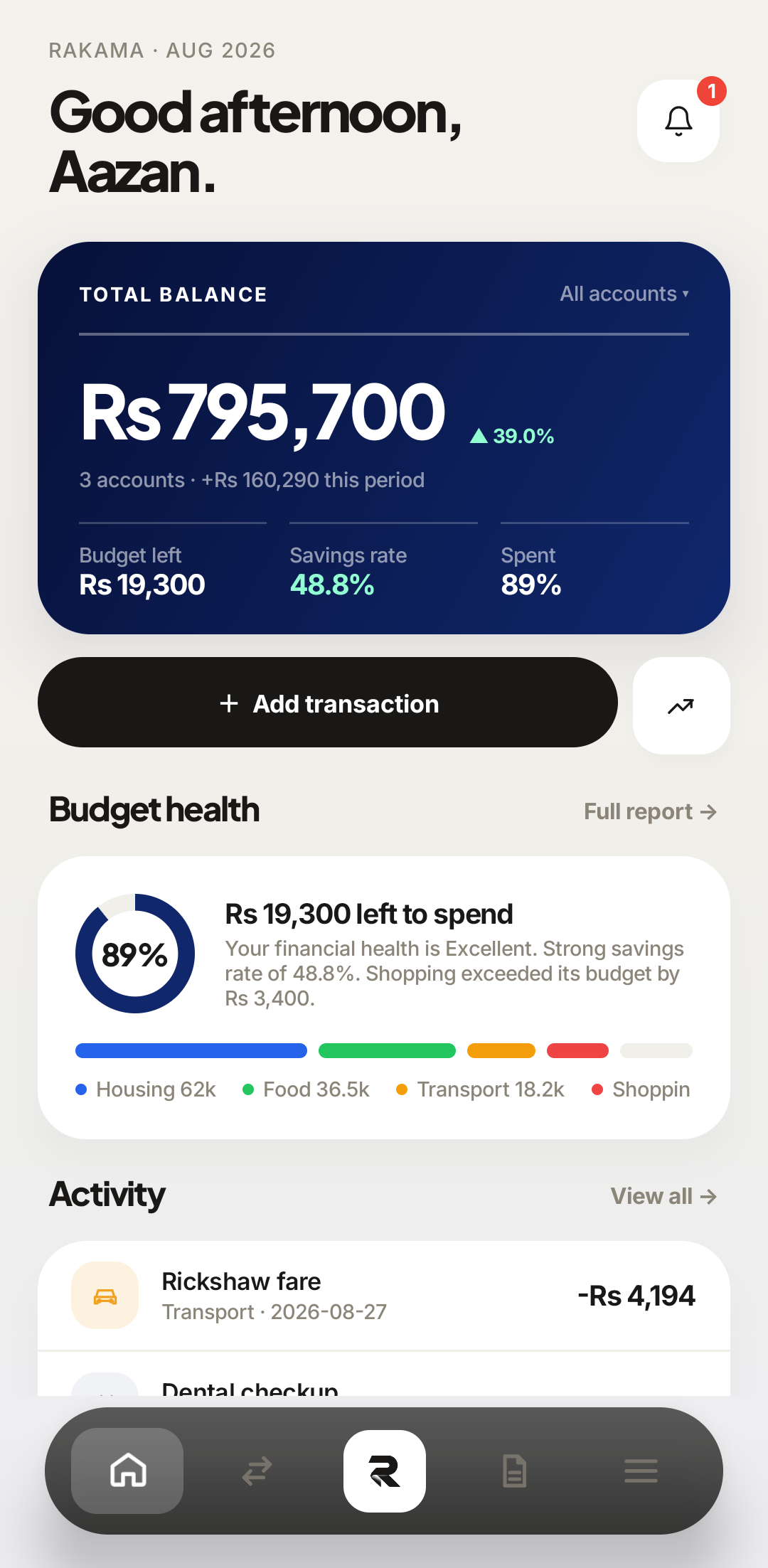
Rakama is designed for everyday money management: recording transactions, understanding categories, planning budgets, and tracking goals without building the system yourself.
 1No formulas2
 At the till
Frequently asked questions
Can Rakama replace an Excel budget?
For many personal budgeting workflows, yes. People who build custom financial models may still prefer Excel.
Should I use a spreadsheet or a budgeting app?
Use the tool you will update consistently. A simple system you maintain is better than a sophisticated system you abandon.
Can I move my spreadsheet into Rakama?
Yes. Rakama imports CSV and Excel files, with a column mapping step and a preview before anything is saved.
Make your money easier to understand.
Track expenses, plan budgets, and keep your goals in one clear view with Rakama.
Try Rakama free ↗