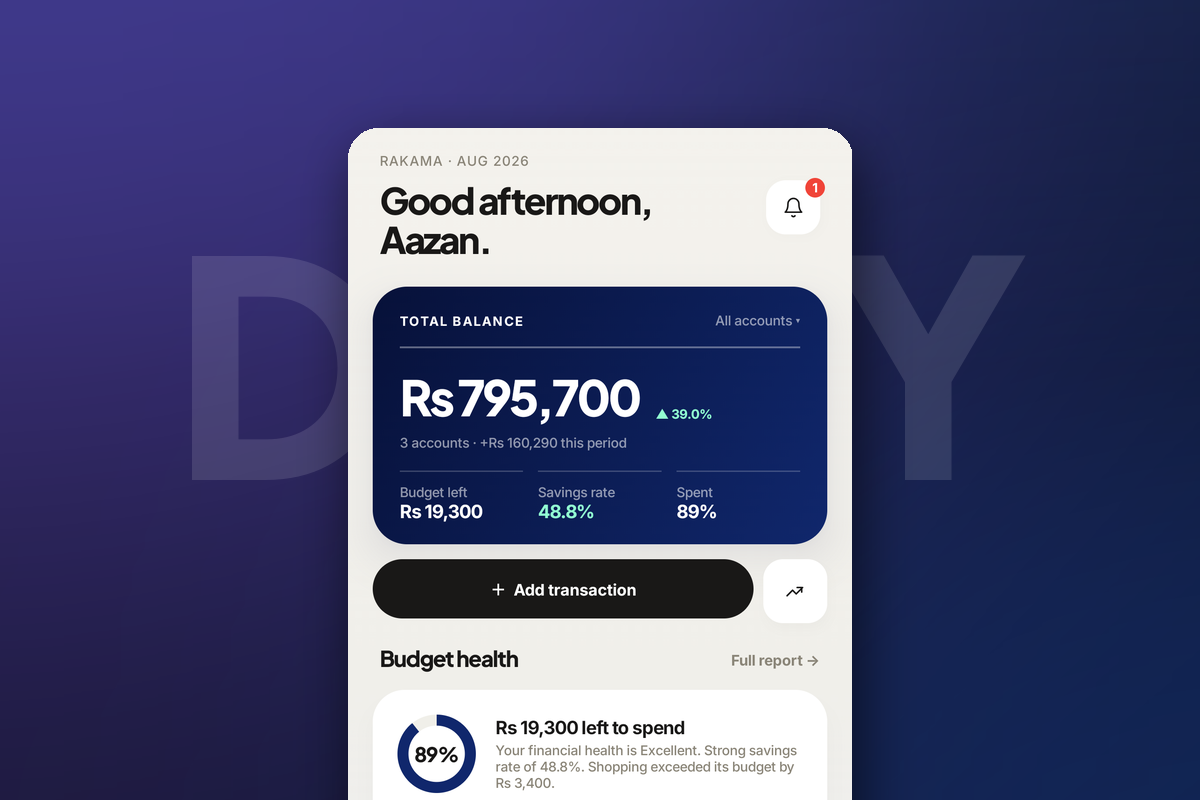
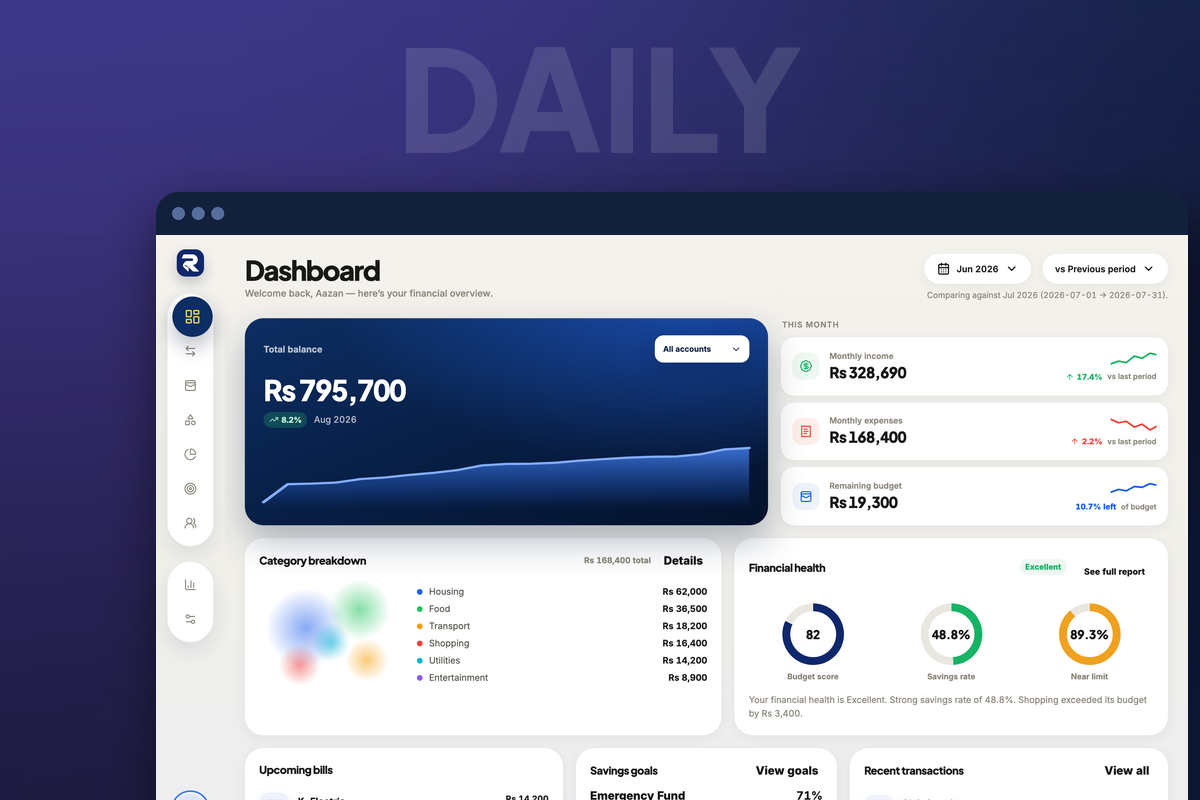
Almost everyone who tries expense tracking on their phone succeeds for about eleven days. The failure is rarely discipline. It is a setup that demanded more effort than the information was worth — and the fix is to make the recording moment nearly free.
Why phone tracking usually fails
The pattern is consistent enough to be predictable:
- Too many categories, so every entry becomes a small decision.
- Recording later instead of now, so "later" becomes a backlog and the backlog becomes guilt.
- Tracking everything including transfers, so the numbers stop matching reality.
- No weekly review, so the data never repays the effort of collecting it.
Notice that three of the four are setup problems, decided in the first ten minutes and paid for daily thereafter.
A setup that survives the second week
Add your real accounts, including cash
Balances that are roughly right are worse than useless, because you will stop trusting the total and then stop looking at it. Enter what each account actually holds today — current, savings, and the cash in your pocket.
Menu — the ☰ tile at the right end of the bottom bar — then Accounts, described as “Wallets, cards, and linked balances”.
Click the wallet icon in the left sidebar, third from the top.
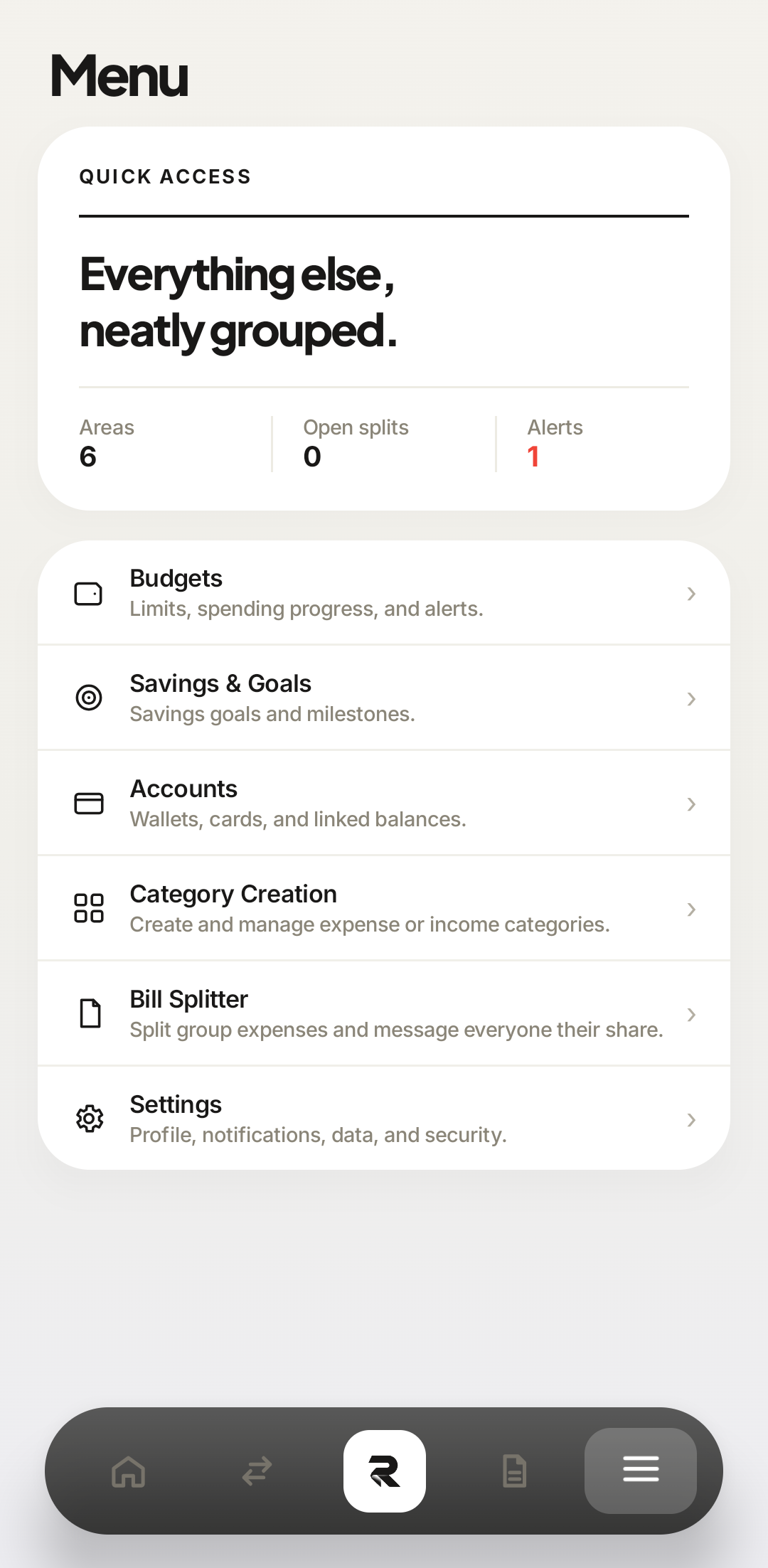 Accounts
Accounts sits under Bills in the menu. Cash Wallet is the one people skip and the one that matters. 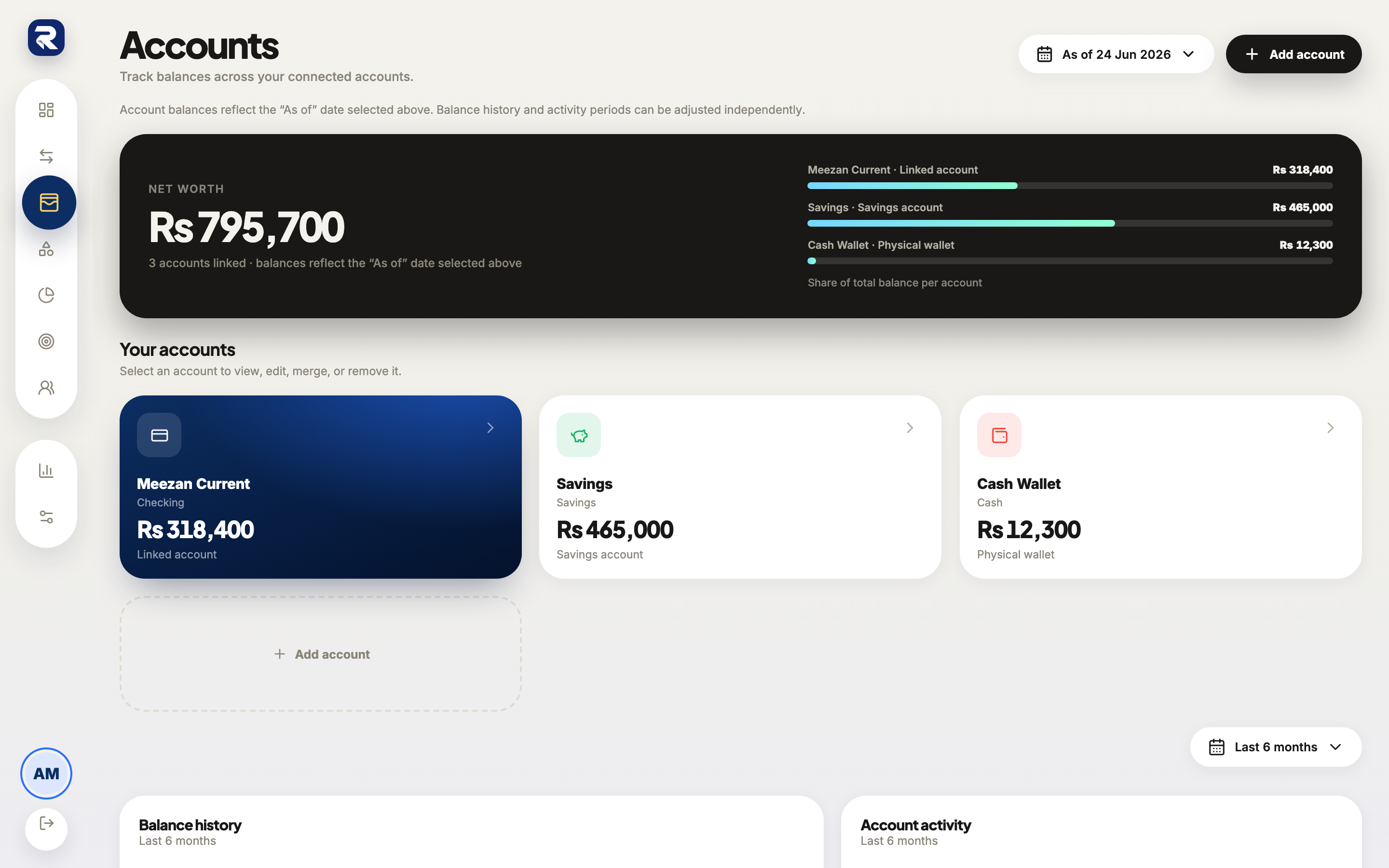 Accounts
Every account you add becomes an option in the add-transaction form — which is the point. Cut your categories back to six or eight
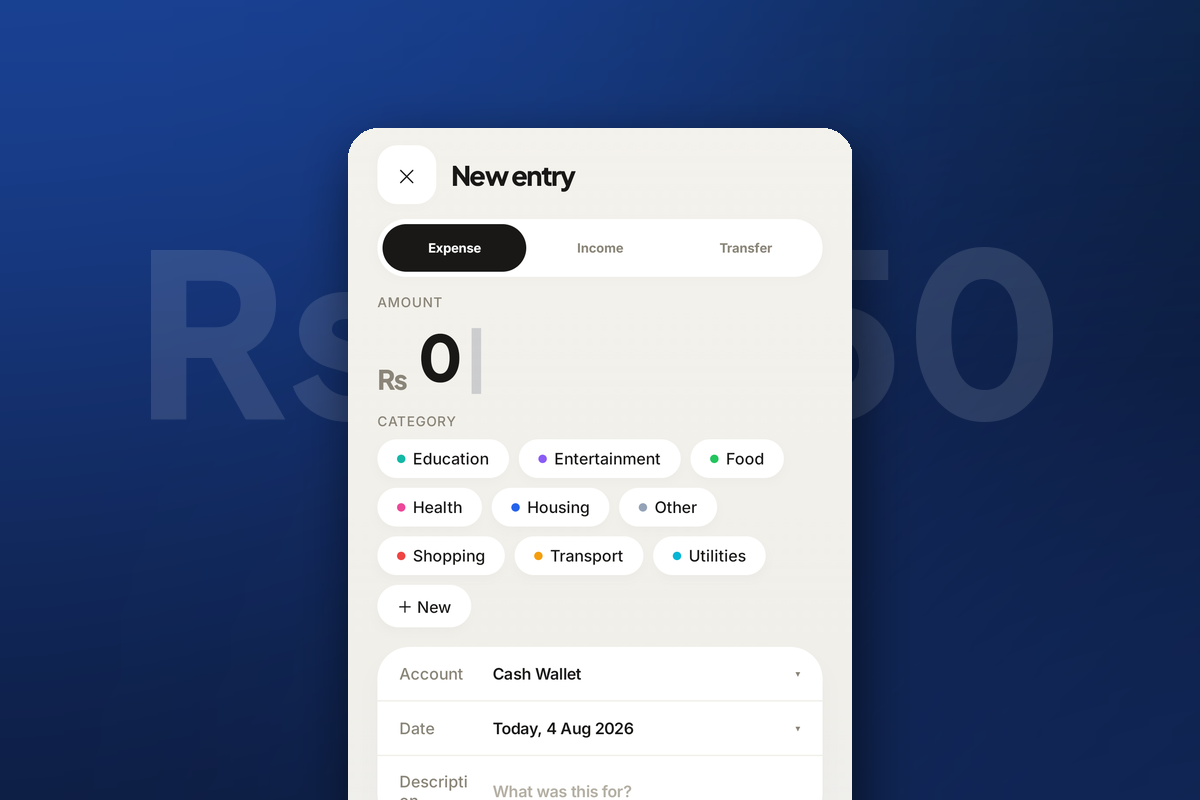
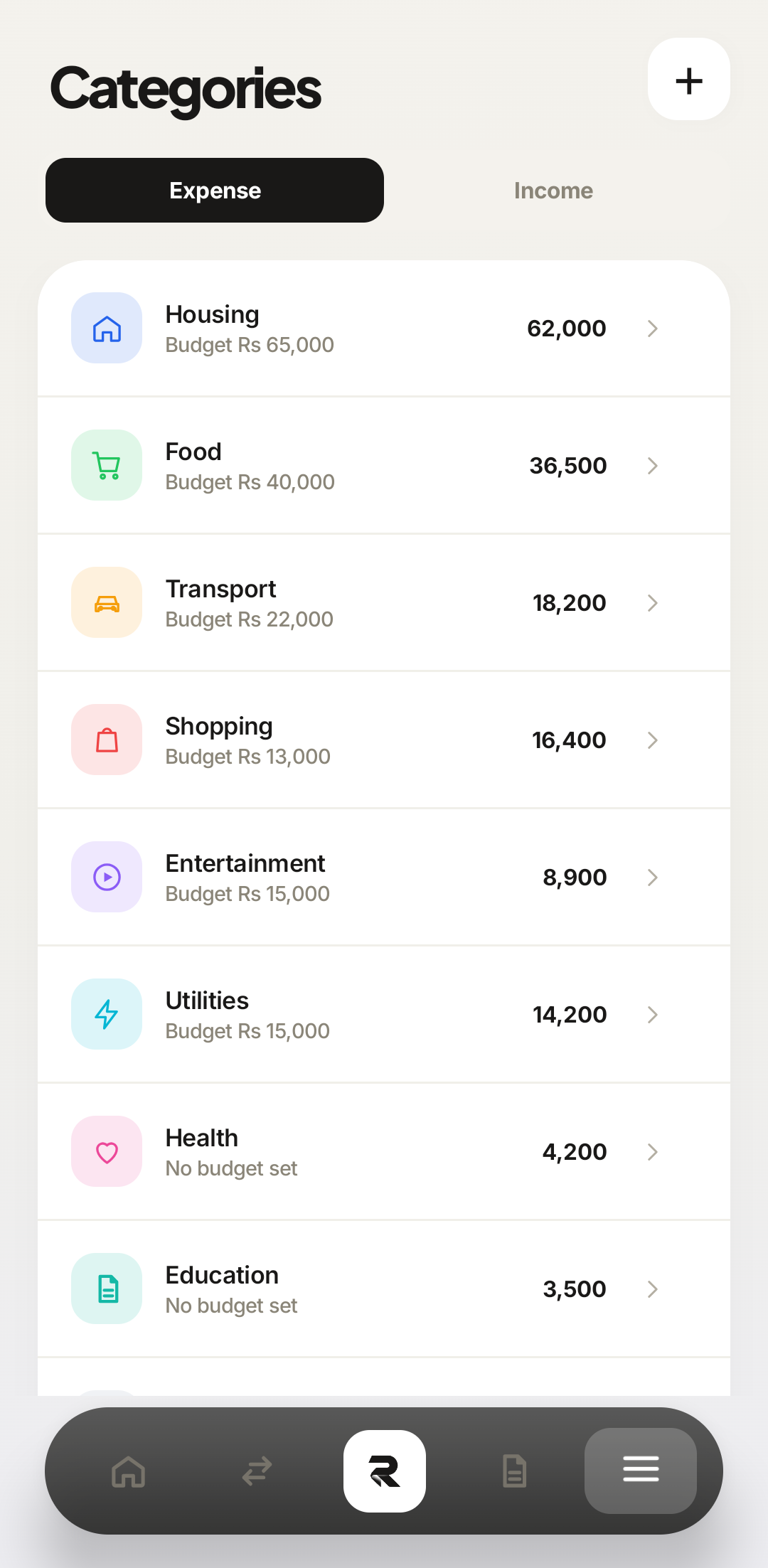
Every extra category is a decision you make at the till, several times a day, forever. Six to eight covers almost everyone. Add one later only when you notice you keep wanting to know about something specific — never in advance, and never because it seems tidy.
 Expense / Income
Nine expense categories is already at the upper end. Every one of them is a fork in the road at the moment of paying. 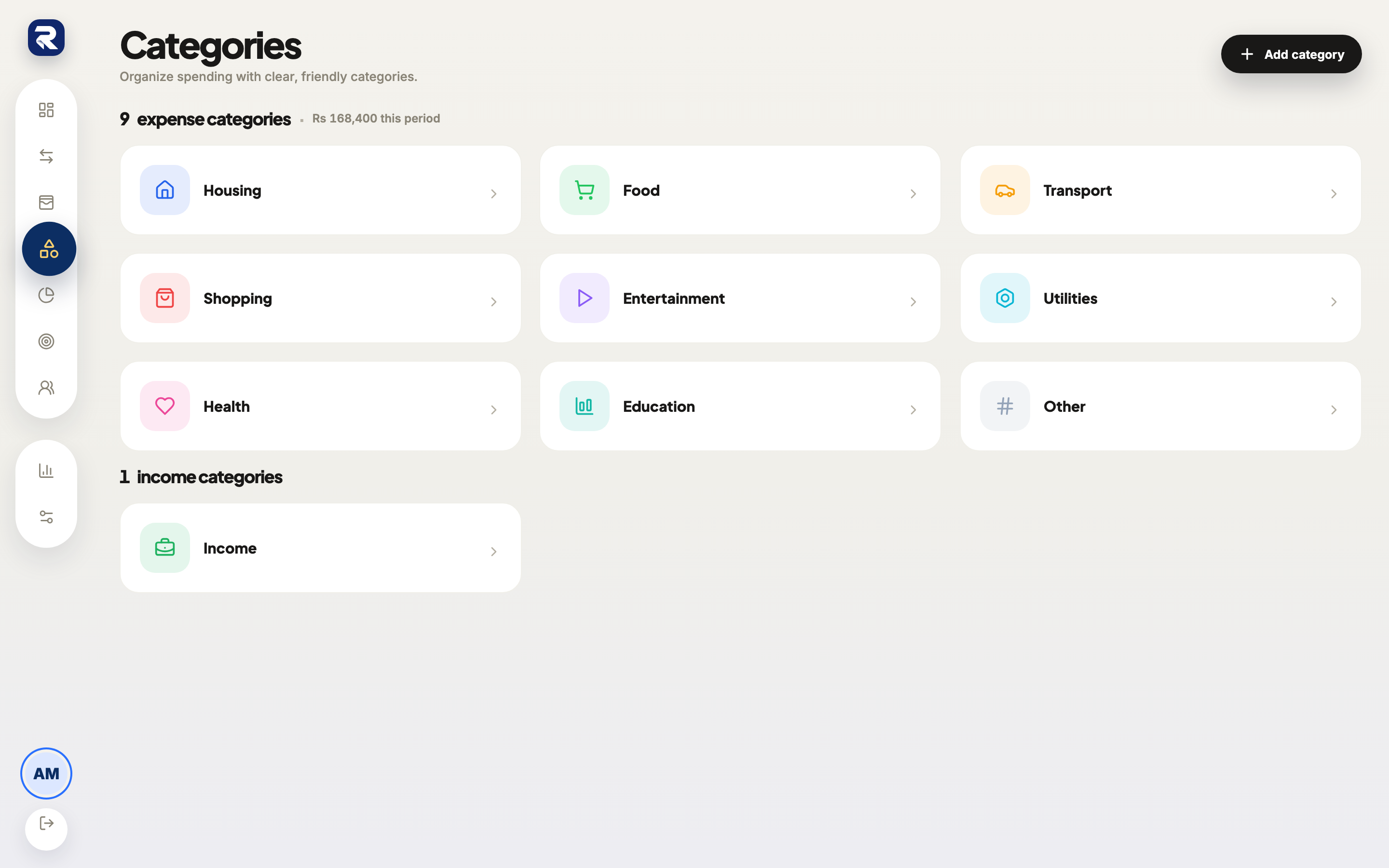 Categories
Categories are shared across both apps — prune them here once and the phone gets the shorter list too. Budget only the categories that vary
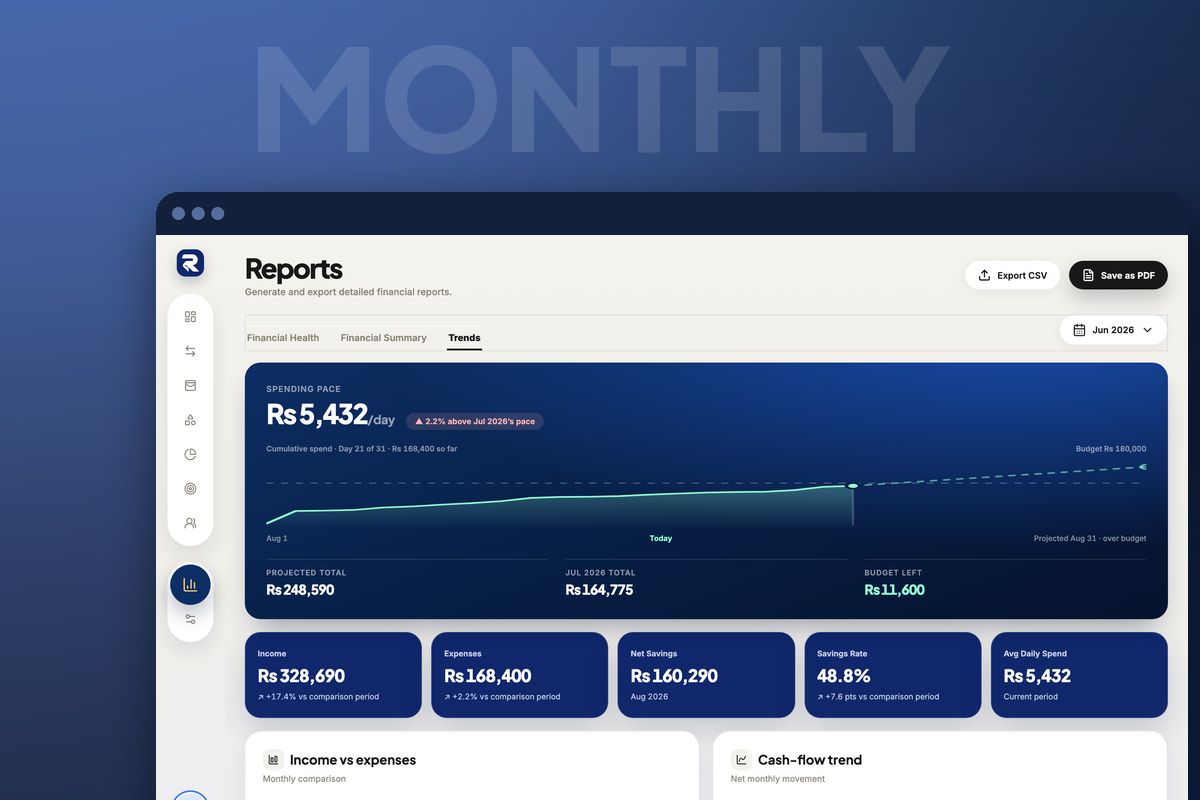
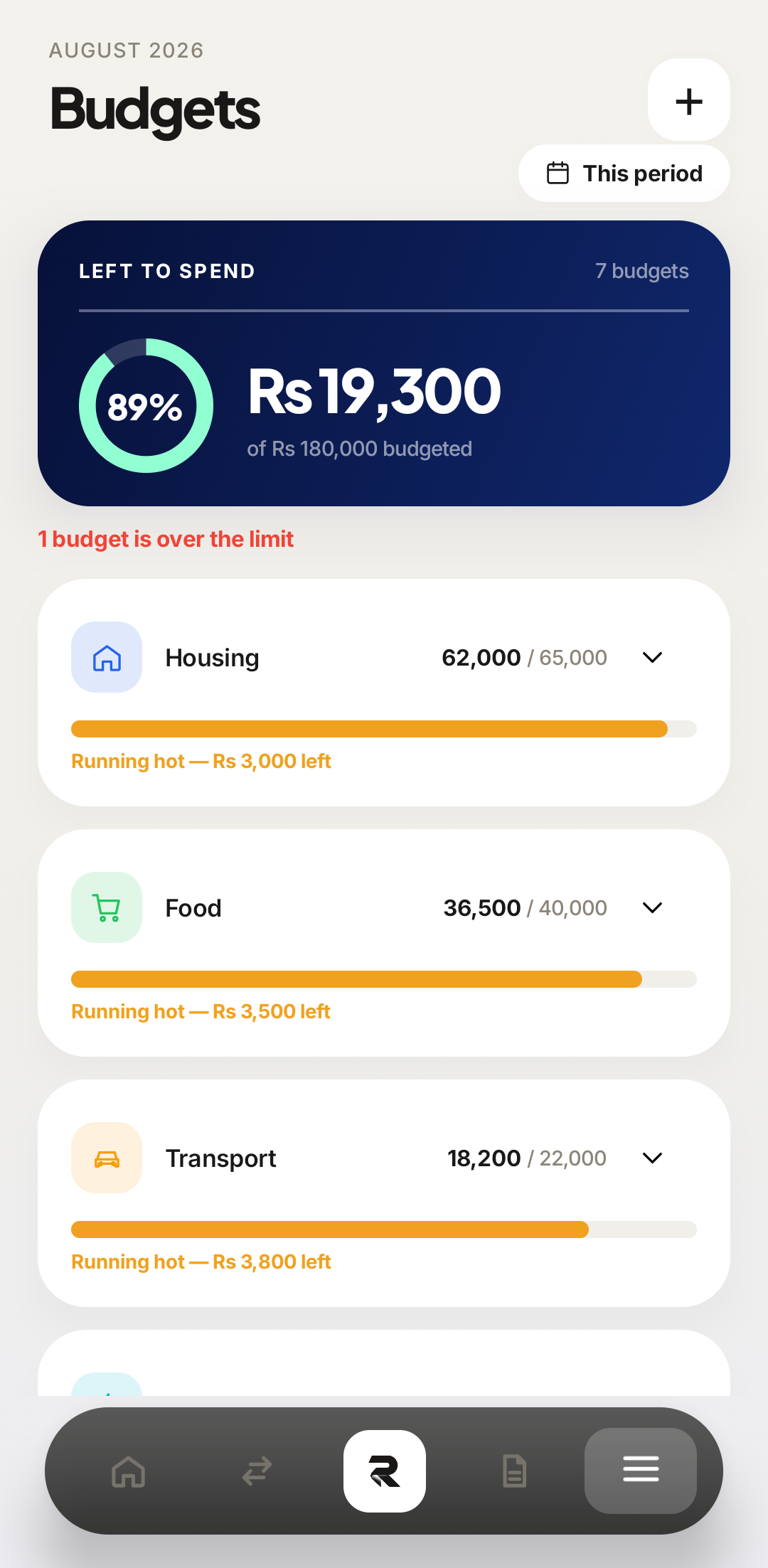
A limit on rent tells you nothing, because you cannot act on it. Put budgets on the two or three categories where your behaviour genuinely changes the number — food, transport, shopping — and leave the rest alone.
 Left to spend
Seven budgets is more than most people need. Three you read beats seven you ignore. 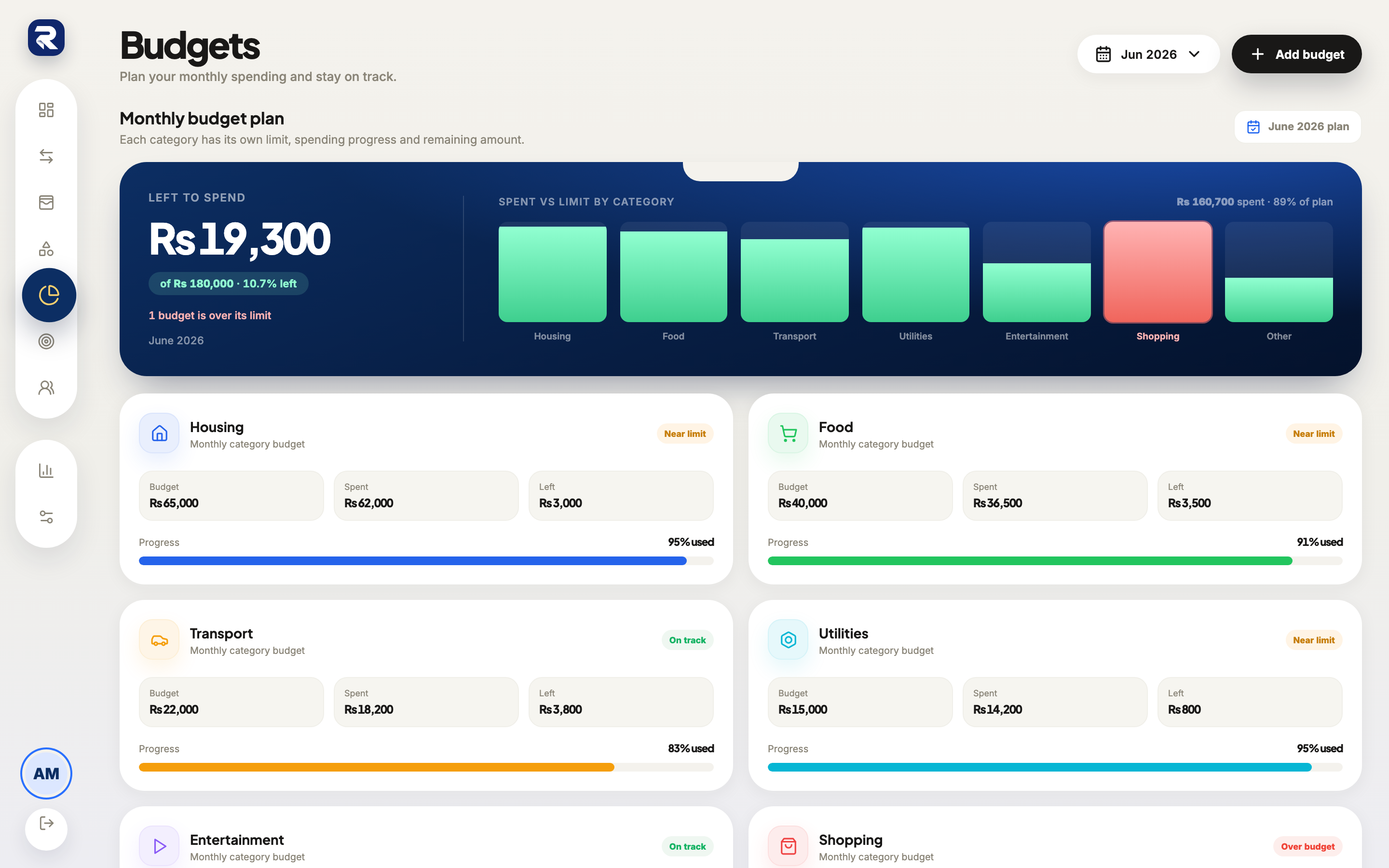 One budget
Each budget gets a card with its limit, its spend, and what is left — the third figure is the one you act on. Learn the one distinction that breaks everything else
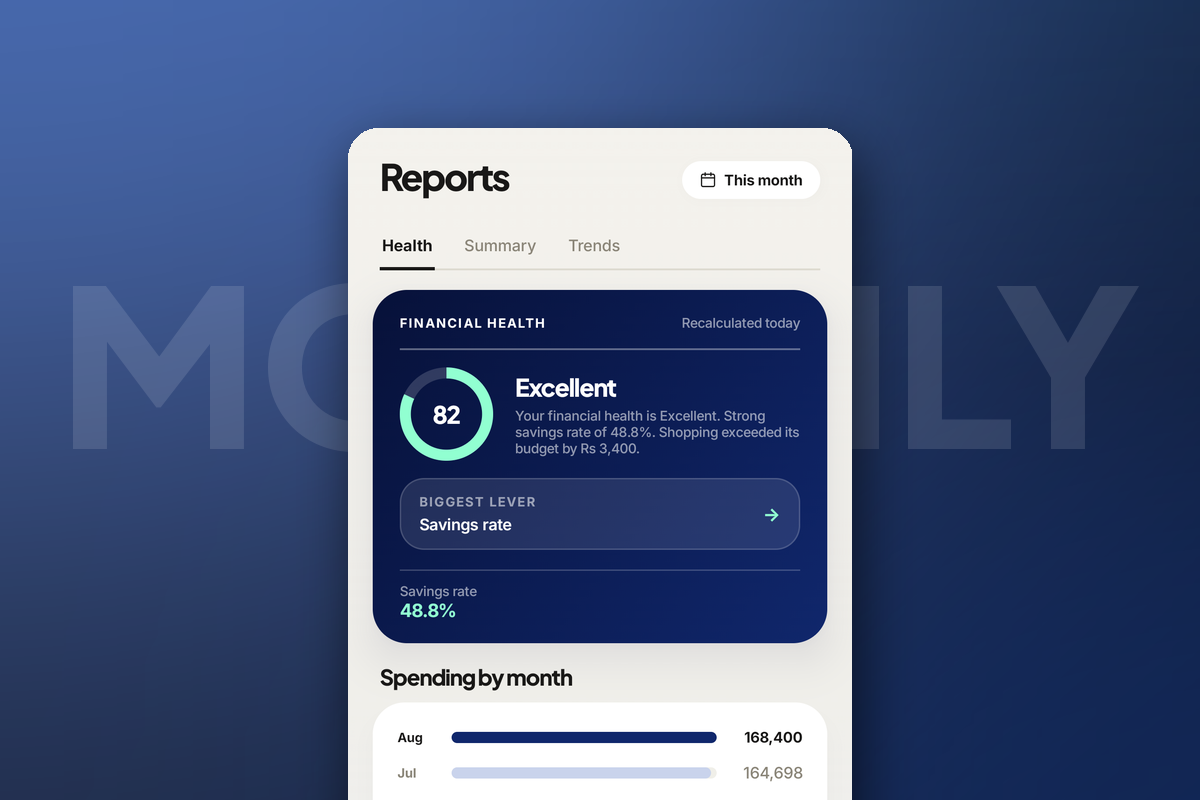
Moving Rs 35,000 from current into savings is not spending — but recorded as an expense it will look like the worst month of your year, and your savings rate will read as negative. Any transaction where the money is still yours afterwards is a transfer, and Rakama excludes transfers from spending, budgets and your savings rate entirely.
This is the single most common reason someone’s first month of data looks alarming and wrong.
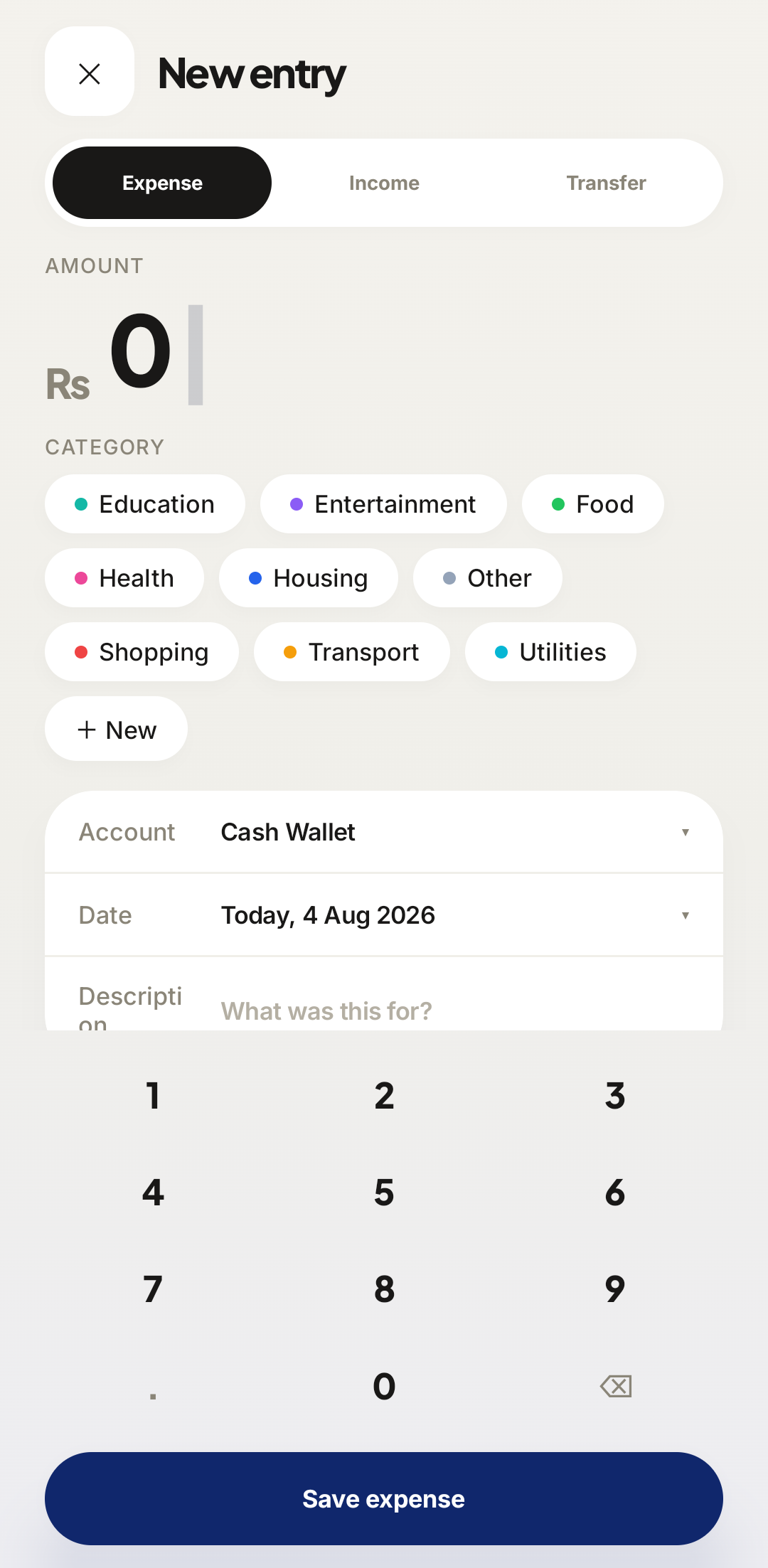 Expense / Income / Transfer
Three options, one decision, made once per entry. Transfer asks for two accounts instead of a category. 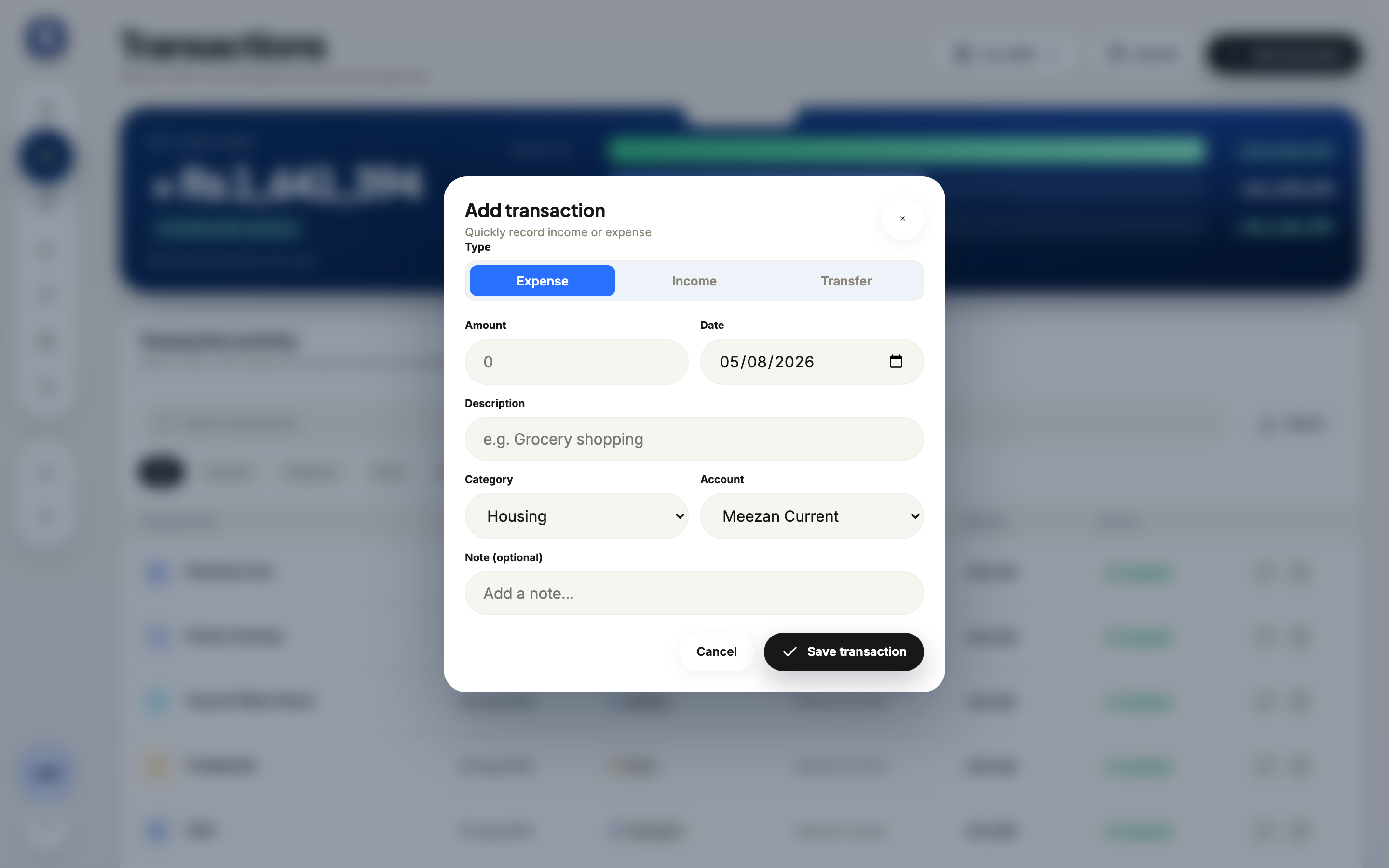 Type
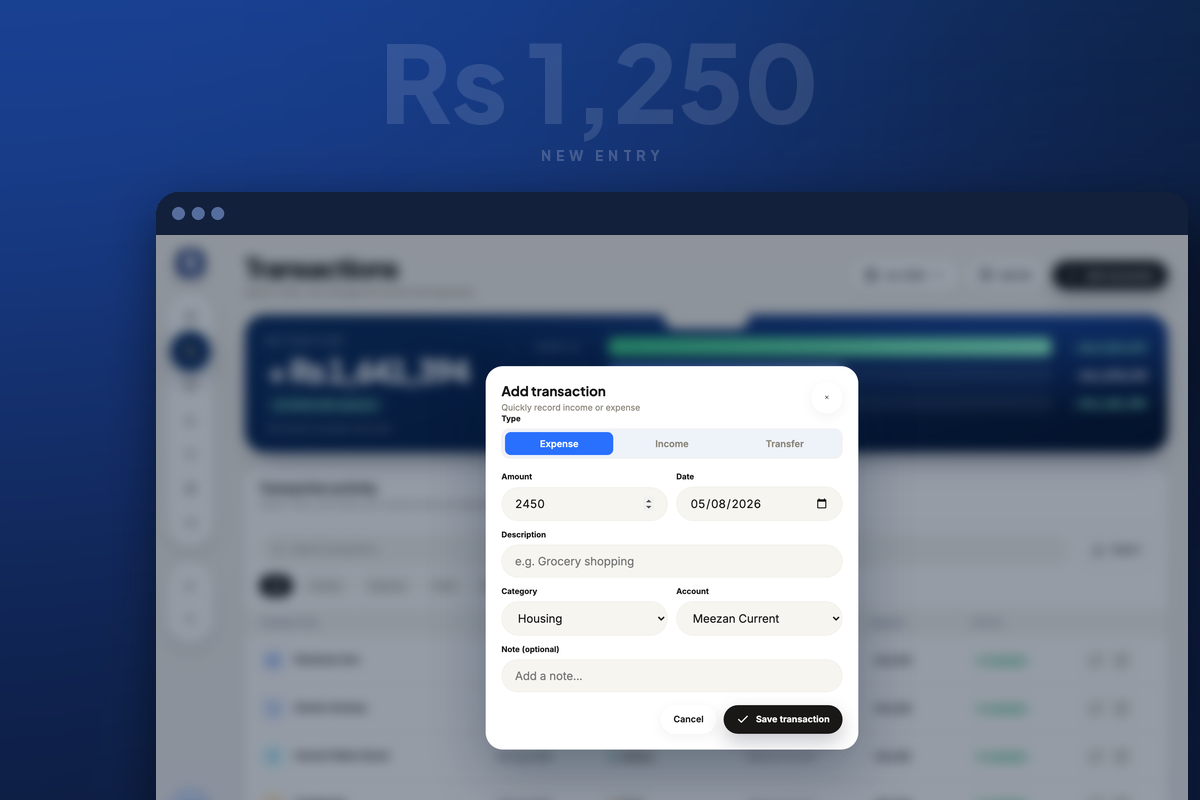
TypeSame three, as tabs under the Type label.
Your total balance on the dashboard should match what your bank app and your wallet say, today, to the rupee. If it does not, the setup is already drifting and every number built on it will drift with it — fix the account balances now, while there are four entries to reconcile rather than four hundred.
The ten-second habit
Record at the point of payment — while the card machine is printing, while you are waiting for change. Not that evening. The gap between paying and recording is where tracking dies, and it is the only part of this that really requires anything of you.
1Amount2Category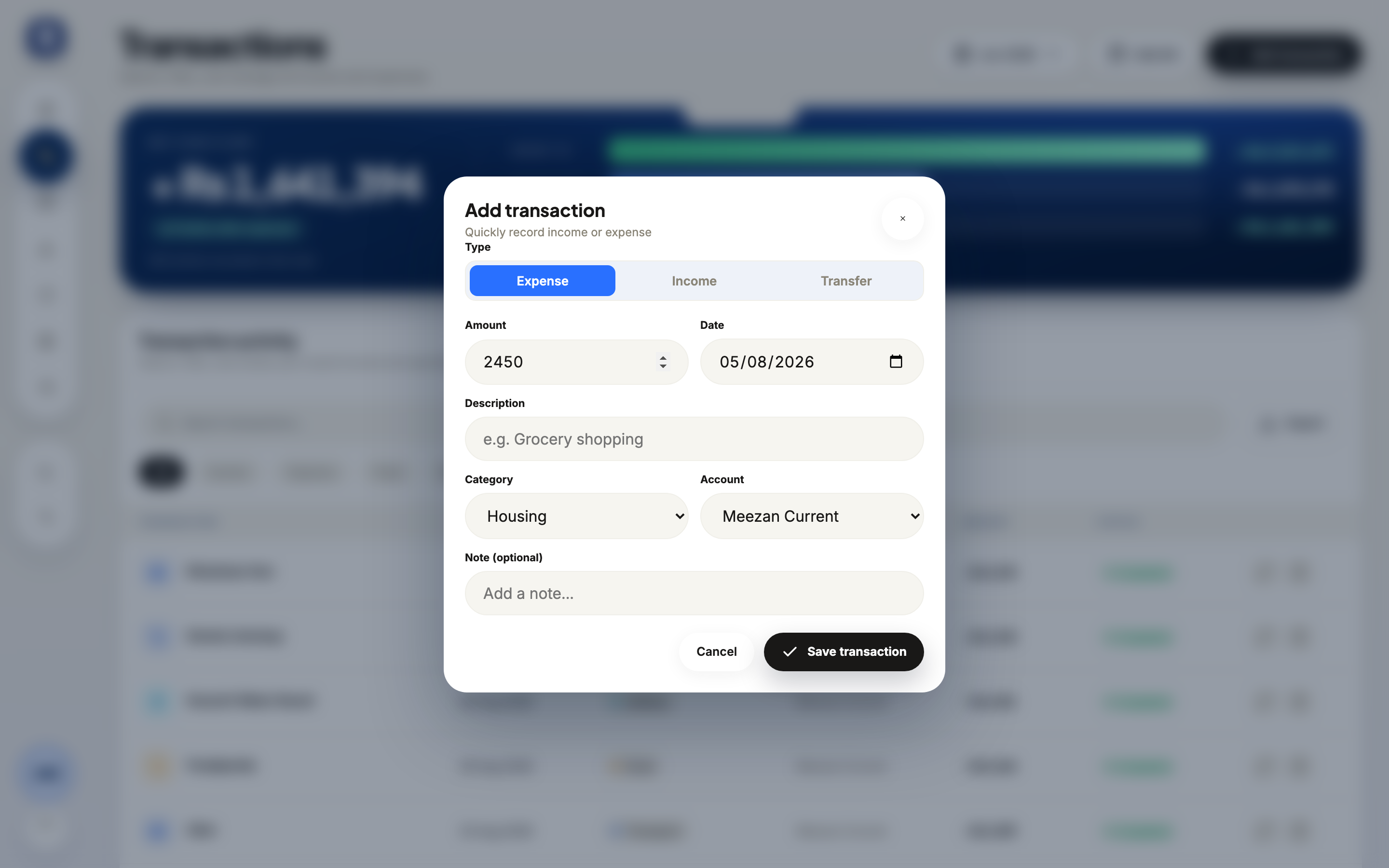 1Amount2Category
Amount and category are the only fields that matter. A description helps you recognise the entry later, but an unlabelled Rs 4,250 in Food is infinitely more useful than a beautifully annotated transaction you never got round to entering.
The weekly look that makes it worth it
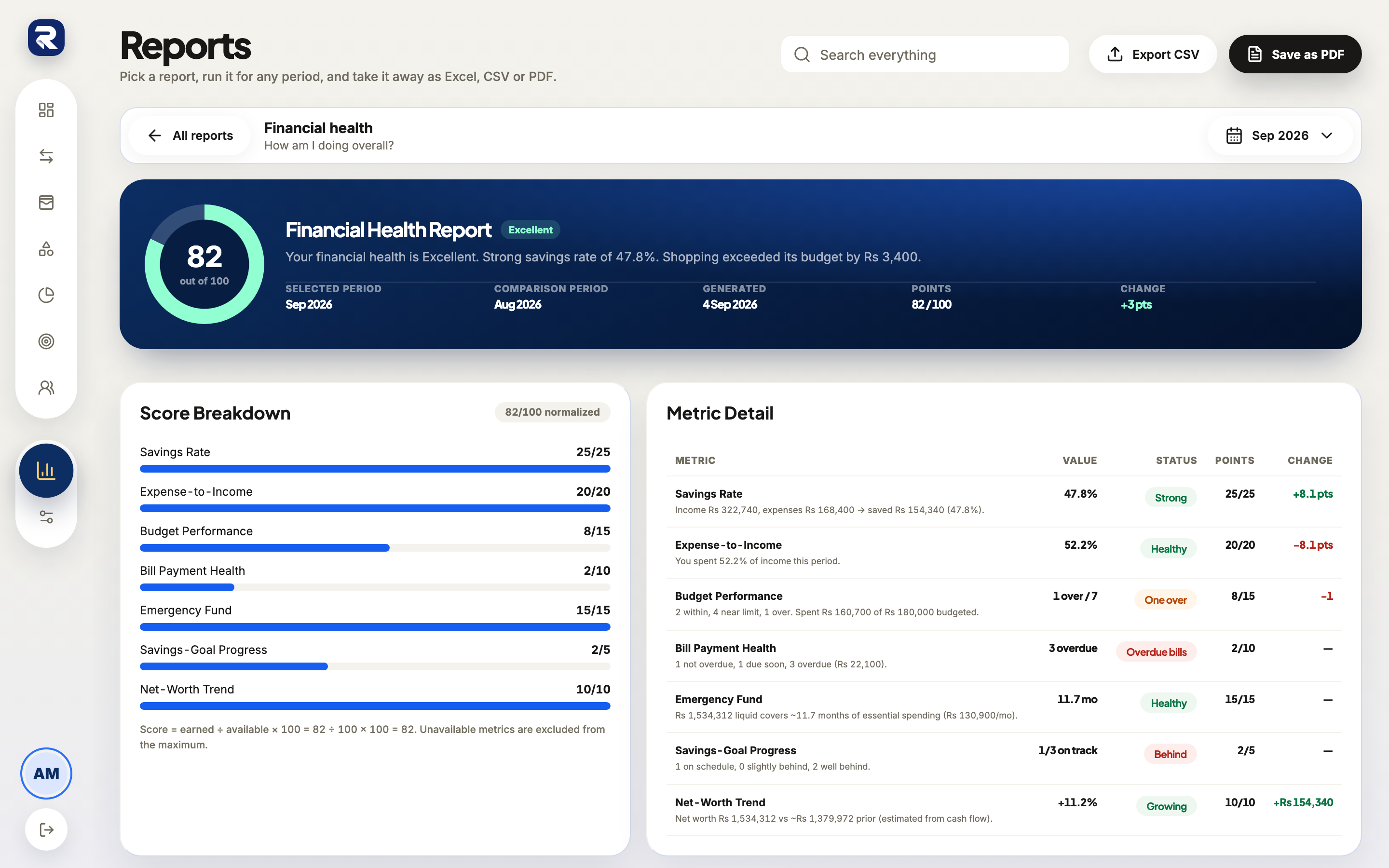
Collecting data you never read is just admin. Five minutes a week is what converts tracking into something that changes an outcome.
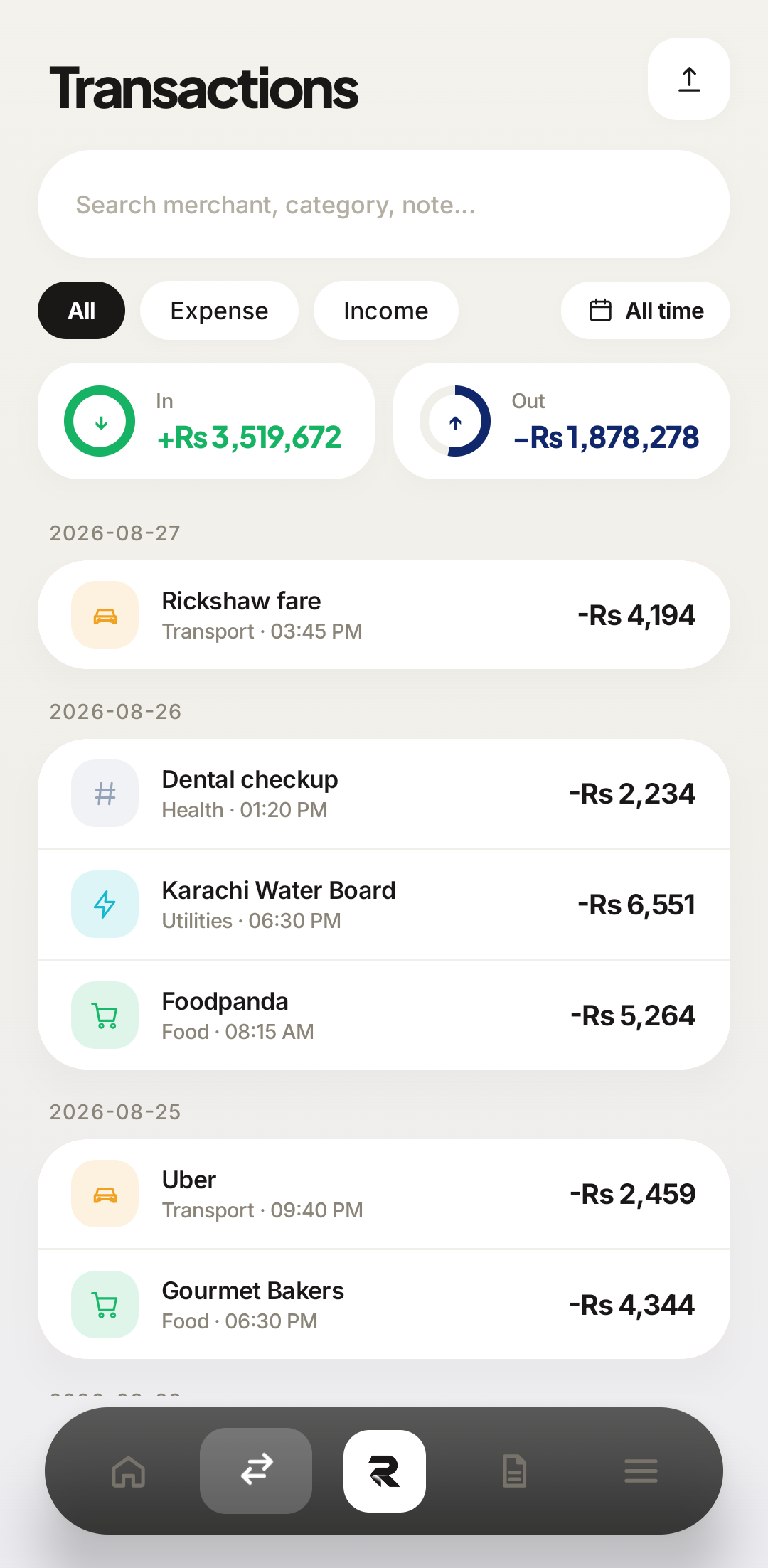 A week
 What changed
Three questions, once a week:
- Which category grew fastest compared with last week?
- Was anything a surprise — something I would not have guessed I spent?
- Is there anything coming up that this week should have been quieter for?
The value is almost never a dramatic discovery. It is the small, early correction — the adjustment made on the 12th that costs nothing, instead of the realisation on the 30th that costs the whole month.
Frequently asked questions
How long does tracking expenses on a phone actually take?
About ten seconds per transaction if you record at the moment of paying, and roughly five minutes for a weekly review. It only becomes a chore when you let a week pile up.
Should I track cash as well as card?
Yes, and cash is the one that matters most. Card spending is recoverable from a statement later; cash is genuinely lost if you do not record it.
How many categories should I use?
Six to eight to start. Add a category only when you notice you keep wanting to know about something specific — never in advance.
What if I miss a few days?
Fill in what you remember and carry on. The most common way people quit is treating a gap as a failed attempt that has to be restarted perfectly.
Make your money easier to understand.
Track expenses, plan budgets, and keep your goals in one clear view with Rakama.
Try Rakama free ↗